 Left USB 2.0 · 8 GB+
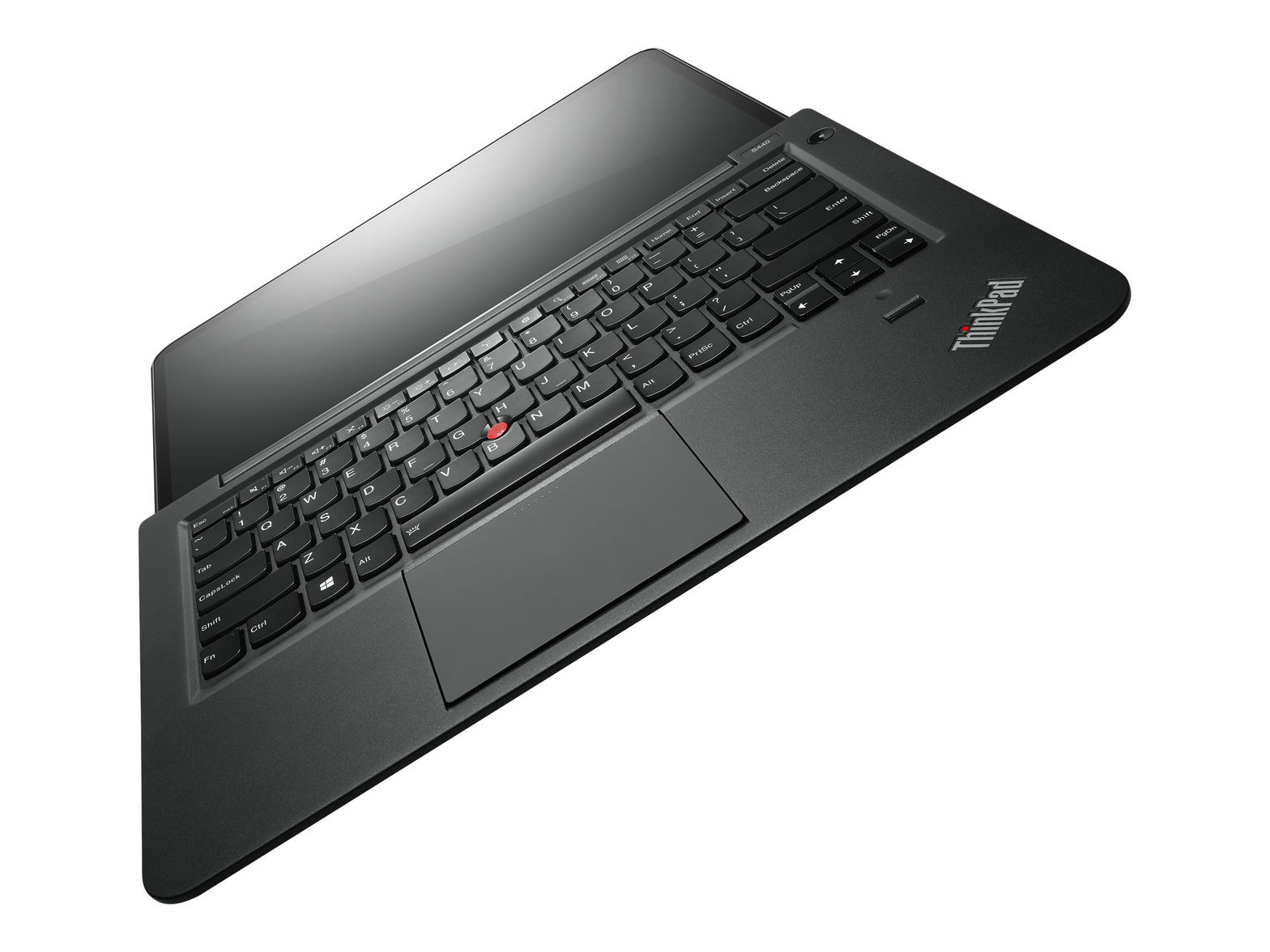
ThinkPad L440
14-step OpenCore tutorial
3D is off so this page cannot freeze the machine. Photo and Film still walk every step.
intosh.world · THE WRLD
Pick a machine.
Then a macOS. Then the red button. This site builds the whole stick for that pair — every laptop in the list, Lion through Tahoe. Real Apple hardware: Macs tab (upgrade / downgrade, not a Hackintosh USB).
Machine · 95 presets
Intel 4th–10th gen laptop or desktop. Tap Surface for Pro 3/4/5/6. Unknown chassis → Any Intel + generation. Full list
ThinkPad · 21
Surface · 9
Dell · 16
HP · 11
ASUS · 5
Acer · 3
NUC · 3
MSI · 2
Other · 10
Any Intel · 14
Lenovo ThinkPad L440 · HD 4400 · MacBookPro11,1. Mapped USB. Speakers: AppleALC layout 12 + SSDT-HPET. itlwm+HeliPort. PS/2 Trackpad stays on. Installer USB is VESA — boot internal EFI after post-install.
macOS · 15 Apple recoveries
One USB holds one. L440 daily driver is Catalina. Lion through Tahoe — scroll the list, tap one.
This GPU hangs Recovery if the framebuffer is injected. Installer USB is VESA + verbose until you finish installing. Catalina first on this chassis.
L440 · Catalina 10.15.7 — factory will build this
Not a refuse. Daily driver for this chassis is Catalina. Apple’s license still forbids macOS on a PC; that legal line is not this site rejecting the laptop.
Heliport in Recovery · next to Disk Utility
itlwm.kext is in EFI. HeliPort.app is in Apple Recovery, next to Disk Utility. Open it. Join the locked 2.4 GHz WPA2-PSK name. Not a 5 GHz WPA3-only SSID. Never load AirportItlwm at the same time.
Heliport: in Recovery next to Disk Utility — baked into the USB, not a root patch.
Intel Wi-Fi — pick one, never both
Works — Heliport in Recovery, next to Disk Utility
itlwm.kext in OpenCore. HeliPort.app in Apple Recovery, next to Disk Utility. Open HeliPort and join the locked 2.4 GHz WPA2-PSK name. Never load AirportItlwm at the same time.
Heliport selected. It is inside Recovery, next to Disk Utility. Do not also load AirportItlwm.
Mac OS X 10.7–10.12
macOS 10.13–11 · HD 4400 in-tree
macOS 12–26 · OCLP after first boot
Last 10.x. 32-bit apps are gone
Machine L440
SMBIOS MacBookPro11,1
Target Catalina 10.15.7
Graphics VESA
- Select boot device
- >Reset NVRAMonce, then reboot USB
- INTOSH Disk · HeliPort · Catalinarecovery
- UEFI Shelltool
INTOSH setup utility
THE WRLD
--:--:--
Main · intosh.world
click to focus
Press the red button first. Then this copies the paste-ready command.
Plug an empty 8 GB+ stick into a USB 2.0 port. The USB is erased. Internal disks are refused. No BIOS flashing. No pirate ISOs. No valid serials. Apple’s license forbids macOS on a PC — that legal line is not this factory rejecting your laptop.
Heliport in Recovery · next to Disk Utility. HeliPort is baked into Apple Recovery (Utilities, next to Disk Utility) — not an OCLP root patch.
After first boot — patches for this machine
Lenovo ThinkPad L440 · Catalina · HD 4400. Catalina is vanilla for this GPU.
- Graphics HD 4400. HD 4600 spoof (12040000), platform 0500260A, LVDS. Stolen 19 MB. No fake 2GB unifiedmem.
- Battery % and time until empty / until full. Root patch: ECEnabler loads before SMCBatteryManager so InstantAmperage stays valid. Click the battery — it should show time remaining or time until charged after ~1 minute on a stable charger. Killing Control Center is what made the estimate appear then vanish. Healthy kexts stay.
- Backlight. SSDT-PNLF + BrightnessKeys. ThinkPad NBCF=1 so Fn+F5/F6 Notify the panel (slider-only means NBCF was 0).
- One click opens apps and tabs. VoodooRMI + VoodooSMBus (ThinkPad clickpad) or Apple HSSPI (Air). Tap-to-click on, light click, slower double-click so a single tap is not eaten. Re-run finish.command if a tab still needs two clicks.
- Sleep / wake. GPRW Method 2 + PTSWAK. darkwake=0 igfxonln=1. No hibernate. First sleep ~45s.
- Audio ALC292 layout 12. AppleALC layout 12 + HDEF layout-id + SSDT-HPET (IRQ 0/2/8). L440 speakers are layout 12; 28 is T440 mic. Not an OCLP volume patch. Uncheck Mute. Empty Sound pane = missing HPET, not a dead codec.
- Bluetooth root patch. finish.command copies IntelBluetoothFirmware + IntelBTPatcher. Big Sur and older also get IntelBluetoothInjector (that IS the Control Center on/off switch — even with itlwm). Daily EFI sets XhciPortLimit off. After copying EFI: Shut Down (not Restart), F12, Reset NVRAM, then Macintosh HD. Monterey+ uses BlueToolFixup instead — Injector off. Zip name is IntelBluetooth-v*.zip.
- HeliPort on the USB (OpenCore payload — not a root patch). itlwm.kext is in EFI. HeliPort.app is baked into Apple Recovery (Utilities, next to Disk Utility) and copied to POST-INSTALL. Not an OCLP root patch. Catalina still needs this — HD 4400 is native, Intel 7260 is not. Join 2.4 GHz WPA2-PSK in HeliPort. Never AirportItlwm at the same time.
- New-house Wi-Fi (AT&T / hotel / grandma). LaunchDaemon pins DNS to 1.1.1.1, turns IPv6 off, kills AWDL, and renews DHCP when the menu says Connected but Safari is offline. Runs every 20 seconds. No reboot. Join the LOCKED 2.4 GHz WPA2 name, not the open twin. WPA3-only 5 GHz still needs the 2.4 GHz name on the router.
- No OCLP volume patch. Catalina still has HD 4400 in-tree. Grey OCLP button is correct.
OpenCore copies onto the internal SSD by itself during Recovery/Install (INTOSH Disk in Utilities — you do not copy EFI by hand). Pull the USB when you reach the desktop. Then USB → POST-INSTALL → finish.command for HeliPort (not a root patch — Catalina gets it too), audio, Bluetooth, battery time remaining, single-click, and OCLP only when this GPU needs a volume patch. Healthy kexts and apps stay. Broken ones get replaced. Plug Ethernet or iPhone USB only if something is still missing. Installer USB is VESA and silent.
New house / AT&T: menu says Connected, Safari says offline. The roam paste pins DNS, kills IPv6, and renews DHCP. Join the locked 2.4 GHz name. No Ethernet. No reboot.
14-step tutorial
Every correct step
Click a step to play it on the laptop.
Field kit · this USB
L440 · Catalina 10.15.7
The three screens you will actually see, plus BIOS and keys. Same chrome as the stick.
Install Catalina
after Disk Utility
INTOSH Disk
auto-copies OpenCore to SSD
HeliPort
join locked 2.4 GHz WPA2
Disk Utility
erase SSD · APFS · GUID
Language → this window. OpenCore copies to the SSD by itself after Disk Utility erase. Open HeliPort first. Locked 2.4 GHz WPA2 only. Then Disk Utility, then Install. Pull the USB at the desktop.
If you see this
- Apple logo, no bar, 15 min. Power off. Rewrite the USB. Left USB 2.0. BIOS USB 3.0 Mode Disabled.
- Circle-slash · support.apple.com/mac/startup. Old stick (no -no_compat_check). Rewrite from this site. Do not reuse /tmp/intosh.sh.
- Wi-Fi Connected, Safari offline. HeliPort → locked 2.4 GHz WPA2, not the open twin. Then Copy new-house Wi-Fi on the desktop.
- Tiny / stretched screen. VESA. That is success. Language screen next. Do not rewrite.
- 4 beeps, will not wake. BIOS: Security Chip Off, TPM Off, Anti-Theft Off. Hold power 5 seconds.
BIOS · do not flash
- F1
- BIOS
- F12
- Boot menu — USB UEFI, not Legacy
- USB 3.0 Mode
- Disabled until first desktop
- SATA
- AHCI — RAID hangs at APFS
- Secure Boot
- Off
- Security Chip / TPM
- Off — 4 beeps if left on
- CSM / Legacy
- Off
- Installer port
- Right-side USB 2.0
Keys on this USB
- Win
- Command (⌘)
- Win + Space
- Spotlight — type Terminal
- Alt + Space
- Does nothing. Use Win+Space.
- Fn + F5 / F6
- Brightness (ThinkPad)
- Fn + F1 / F2 / F3
- Mute / volume
- Option at boot
- Real Macs only. PCs use F12.
Copilot
If you mess something up, say so.
Natural language. It will change the USB config, abort a run, or point you at the browser writer.
This site is the factory
L440 · Catalina 10.15.7
Pick the laptop and the macOS on this page. That is the whole recipe — USBInjectAll, VESA, keyboard-only, recovery board, kexts. No extra Terminal flags. Accept, then copy or download. Paste once on Linux. Apple recovery still comes from Apple on that run because it is hundreds of megabytes.
Stick size
Press I ACCEPT above so this page can issue the installer.